I indexed 669 GB of my GoPro videos using my M1 Max computer and local ML models
by Ilias Haddad
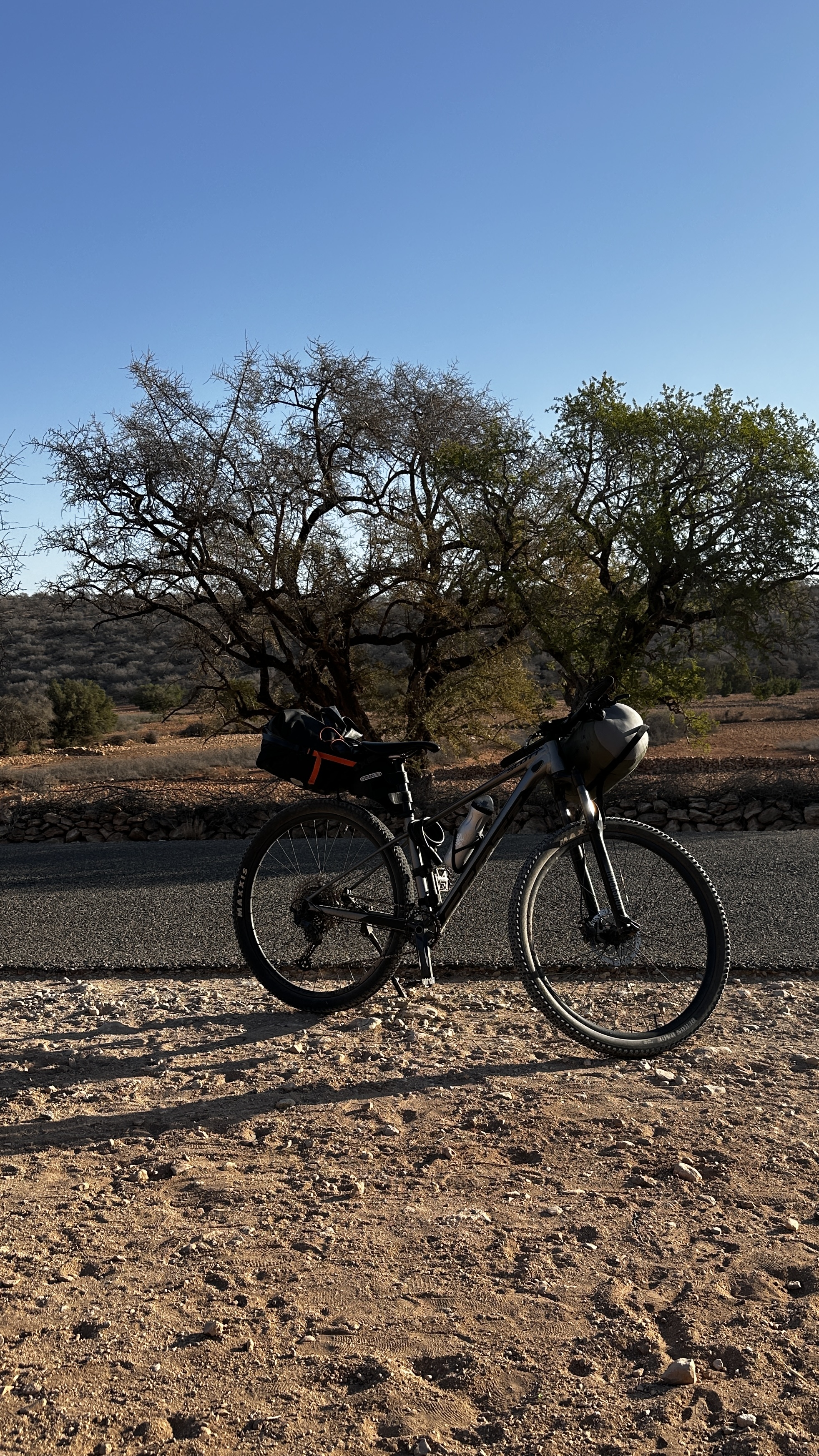
TLDR: I had 2,207 GoPro videos, and I need to rewatch them to find interesting moments from my cycling journey. I built a project to index them locally on my M1 Max using open-source ML models, search for those moments, and send the best clips straight to my DaVinci Resolve timeline. I indexed 628 videos (668.68 GB, 15h 13m 18s of footage duration), more details in the metrics table in the last section of this article.
As you may know, I love cycling. I discovered many great places and met amazing people through my cycling journey. For example, I went from Casablanca to Imsouane (470+ KM in 5 days) in 2024, from Kenitra to Tangier (220 KM in one and a half days) in 2023, and went on mountain biking trips in between.
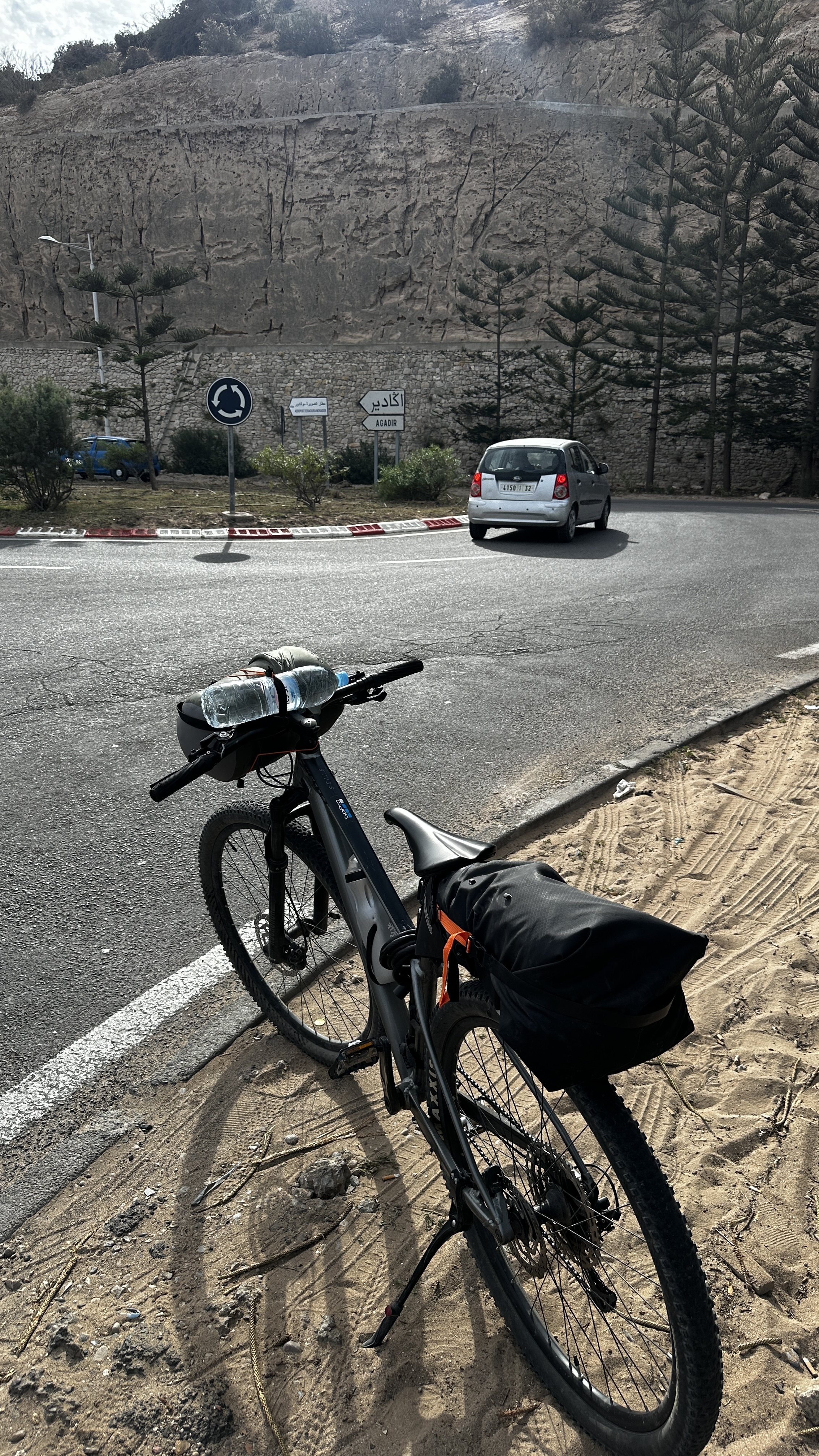
Doing those biking trips, I captured most of them using my GoPro camera. Many of the videos I captured amazing moments, and sometimes it's kind of hard to watch the full videos to get those moments. This was one of the main reasons that I built this project (https://github.com/iliashad/edit-mind)
Now, let’s talk about those videos and this project. I had about 2,207 GoPro videos in one SSD drive, and I wanna search across all of them for amazing moments, but I didn’t have the time to view them again.
I decided to use the desktop app version of this project (https://edit-mind.com) because it’s optimized for Apple Silicon computers, and I can have an agent that I can talk to find the moments and send them directly to my DaVinci Resolve editing timeline to edit them. And, the Docker version couldn’t access the M1 Max GPU to utilize its power.
Now, let’s talk about the indexing process because the desktop app uses a similar indexing process as the source available version https://github.com/IliasHad/edit-mind.
I’ll select a folder in the desktop app, and it’ll find all videos that start with GX because I have other videos from my phone as well.
After that, it’ll transcribe the full video if we have an audio track using the OpenAI Whisper model.
Then, run the frame analysis pipeline, which will divide the video into separate video scenes (1s each, or 1fps). I have a face recognition plugin using my custom faces data, object detection, on-screen text, shot type, and scene description.
After that, I’ll be embedding the video scene data like faces, transcription, description as a document text, and saving it over a local vector DB. Later on, embed the scene frames over a visual embedding vector DB collection to use them for image search, and the same for video scene audio.
Finally, we will have three vector DB collections that have all the information about our videos, like video location metadata, camera name, faces recognized, objects detected, on-screen text, transcription, description of each scene, and many more.
Now, let’s talk about performance metrics for those indexed videos that were processed using my machine's GPU and CPU.
Here’s the metric-value table of all the videos indexed.
Note: Those metrics are still not the final ones because the project is still in development.
| Metric | Value |
|---|---|
| Videos indexed | 628 |
| Total footage size | 668.68 GB |
| Total footage length | 15h 13m 18s |
| Total compute time | 67h 40m 42s |
| Speed vs realtime | 0.22× or ~4.4× slower than playback |
| Frames analyzed | 57,537 |
And this is a table for the stage breakdown
| Stage | Total | Avg/video | % of compute |
|---|---|---|---|
| Transcription | 25h 12m 54s | 2m 25s | 37.3% |
| Frame analysis | 24h 55m 42s | 2m 23s | 36.8% |
| Scene creation | 48m 0s | 5s | 1.2% |
| Text embedding | 36m 42s | 5s | 0.9% |
| Visual embedding | 11h 49m 17s | 1m 9s | 17.5% |
| Audio embedding | 4h 18m 7s | 27s | 6.4% |
Now, let’s talk about the search feature. I prefer to use the chat assistant to ask about my videos, with the option to send them directly to my DaVinci Resolve editing timeline.
Also, we can get better indexed data if you use the advanced mode indexing to use the Qwen2.5-VL-7B-Instruct model to understand and describe your video much better, but at a slower indexing speed
With that, I indexed my GoPro videos, search and sent the video scenes that I was looking for, and made a video using the great clips.
I can confirm that running this project over an NVIDIA GPU like RTX 3060 with 12GB VRAM, I was able to get faster results than running it over my M1 Max. This project is still in development and I’m working on new improvements to make it optimized for accuracy and speed.
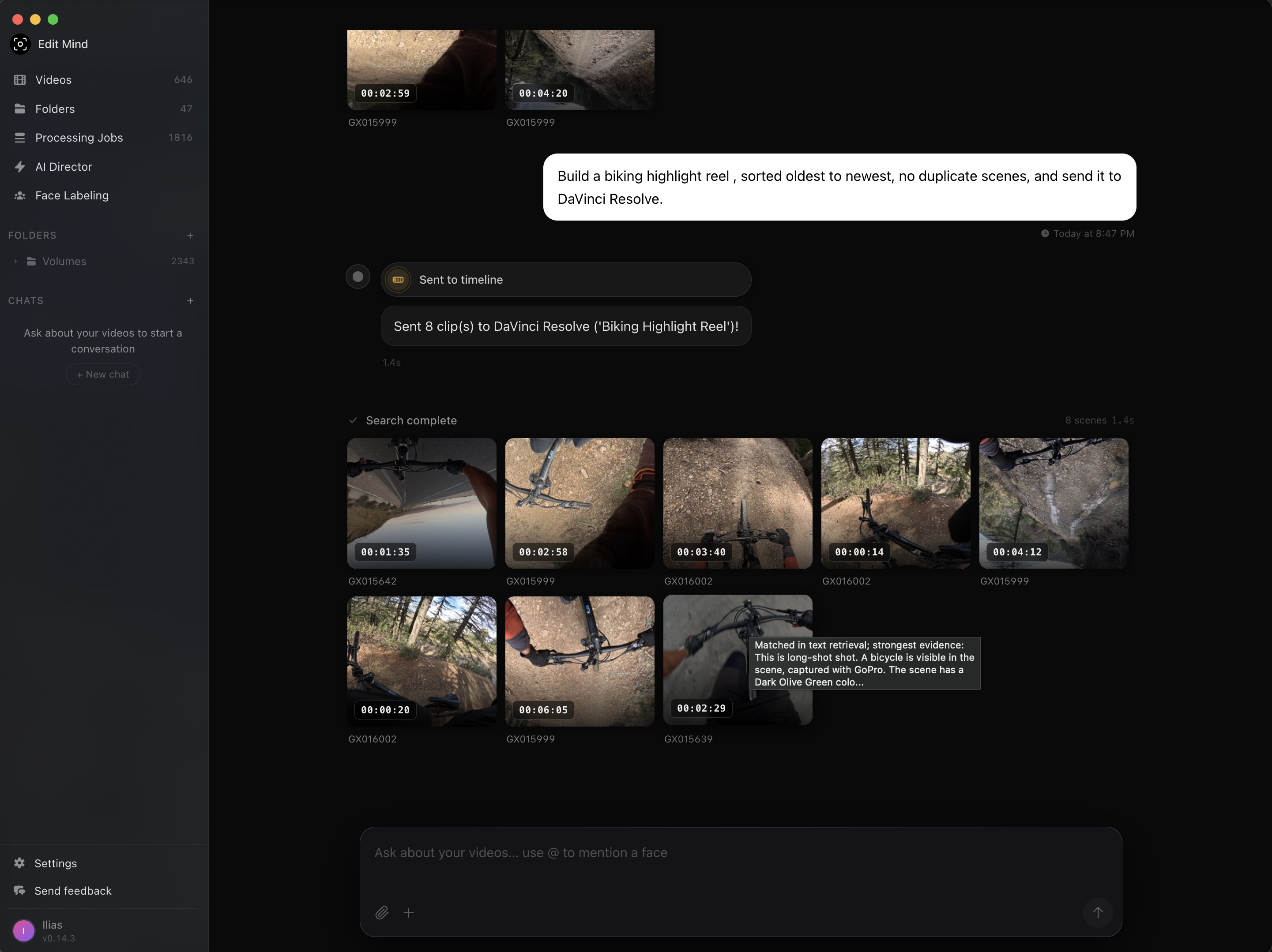
Here are a couple of example video clips using these prompts:
Find every clip where I’m biking and have a dog barking at me - https://youtu.be/0SNiNlX3rzQ
Make a highlight reel of the most scenic and exciting moments from my biking trips - https://youtu.be/CsNLs-cyZo0
Updated: 15/06/2026
Show me the fastest point-of-view riding moments with the sound of wind and send it to Davinci Resolve, remove duplicate video scenes - https://youtu.be/COD3Fgc-l_A
- Video